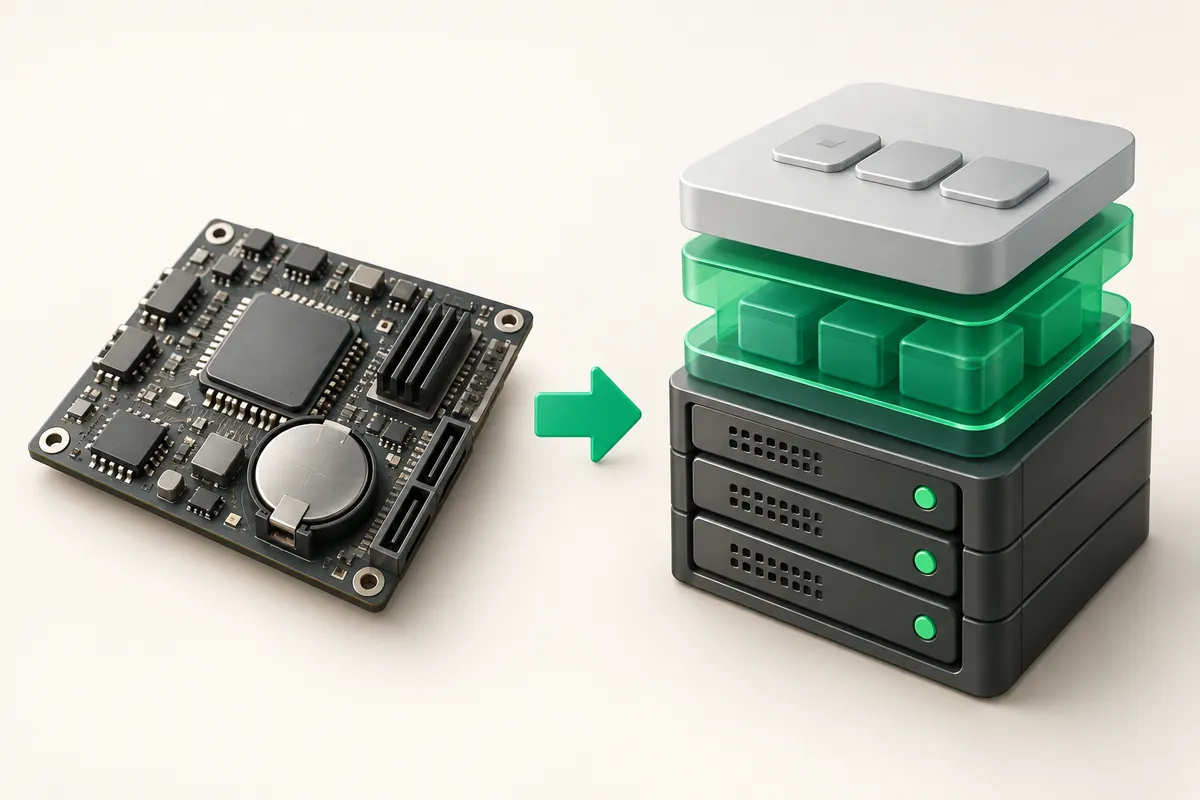
Hardware RAID or mdadm: what to choose on a server
On a modern server with SSD or NVMe drives, use mdadm: it is faster on flash, it does not tie the array to a controller model, and any Linux system can read it. A hardware controller with a battery-backed write cache wins where you run many mechanical disks and need RAID 5 or RAID 6 without spending CPU on parity.
- mdadm is part of the Linux kernel: the array is built from any block devices and moves to another server together with the disks.
- A hardware controller provides a write-back cache with BBU or flash protection, which speeds up random writes on hard drives considerably.
- Controller metadata is proprietary: without an identical model you usually cannot read the disks directly.
- NVMe drives are almost never attached to a classic SAS/SATA controller, so mdadm or ZFS is the norm for them.
- mdadm overhead on a mirror or a stripe is a few percent of one core; on RAID 6 across ten disks it becomes noticeable.
How hardware RAID works
A controller is a separate computer on a card: its own I/O processor, its own memory, its own firmware. The operating system sees one logical volume instead of disks, and all of the level logic, parity reads and rebuilds happen inside the controller.
The main practical advantage is the write-back cache. The server gets a write acknowledgement as soon as the data reaches controller memory rather than the platters. That removes the RAID 5 random write penalty and turns a slow HDD array into an acceptable one. It only works with a healthy battery or supercapacitor: without one the controller disables write-back on its own and throughput drops several times over.
How mdadm works
mdadm is the management tool for the md subsystem in the Linux kernel. The array is assembled from partitions or whole devices, its state lives in a superblock on the disks themselves, and all level arithmetic runs on the server CPU.
Comparison on the points that decide
| Criterion | Hardware RAID | mdadm |
|---|---|---|
| Write cache | yes, with BBU or flash protection | no, only drive cache and the kernel page cache |
| CPU load | none | from a fraction to a few percent of a core |
| Moving disks to another server | needs a compatible controller | any Linux machine assembles the array |
| NVMe support | rare and expensive | complete |
| Monitoring | storcli, perccli, ssacli vendor tools | /proc/mdstat, mdadm --monitor |
| Point of failure | the controller and its battery | no separate component |
What is running on your server right now
Identifying the implementation takes a minute. If a controller is present, the kernel lists it among PCI devices and the physical disks stay hidden behind one volume in lsblk.
# is there a RAID controller on the PCI bus
lspci | grep -i -E 'raid|megaraid|smart array'

# what the kernel sees as block devices
lsblk -o NAME,SIZE,TYPE,MODEL,MOUNTPOINT

# software arrays
cat /proc/mdstat
mdadm --detail --scan 2>&1

# packages for managing a software array
apt-get install -y mdadm smartmontools      # Debian/Ubuntu
dnf install -y mdadm smartmontools          # RHEL, AlmaLinux, Rocky
The drive layout of each configuration is listed in the plan description: on ZevsHost dedicated servers the base builds ship with a pair of drives in RAID 1, and Enterprise US with four NVMe in RAID 10. Ask support which implementation a specific machine uses, since it depends on the configuration.
Monitoring: different commands, one goal
A software array reports trouble by mail from mdadm --monitor and by a line in /proc/mdstat. A hardware one reports only through a vendor tool that you install by hand and poll on a schedule.
# mdadm notification daemon (same on Debian/Ubuntu and RHEL)
systemctl enable --now mdmonitor
mdadm --monitor --scan --test --oneshot

# LSI/Broadcom MegaRAID through storcli
storcli /c0 show all
storcli /c0 /vall show
storcli /c0 /eall /sall show

# HPE Smart Array
ssacli ctrl all show config detail
A hardware controller adds a failure point that people remember too late. A worn battery pushes the cache into write-through and writes slow down several times with no error anywhere in the logs. The death of the controller itself leaves you with disks whose metadata nothing but an identical model can read. Check it: storcli /c0 show all must report the cache policy as WriteBack and the battery as Optimal, not Degraded or Learn Cycle. The equivalent check on mdadm is cat /proc/mdstat with no underscores plus State : clean in the output of mdadm --detail. In both cases a dropped drive calls for replacement in the array without delay.
How to choose
- SSD or NVMe, 2–4 drives, mirror or RAID 10: mdadm. A controller cache buys nothing here while the compatibility limits remain.
- Eight or more hard drives under RAID 6: a hardware controller with a healthy BBU. Write-back removes the bulk of the parity penalty.
- Hypervisor and ZFS: direct disk access only. Put the controller in HBA mode, otherwise ZFS loses control of the cache; running a hypervisor on your own hardware is covered in a separate guide.
- Portability matters: mdadm. Pull the disks and assemble the array on any other machine.
Key takeaways
- On flash storage mdadm is almost always the better choice over a controller.
- Hardware RAID is justified by a wide array of mechanical disks on parity plus a working write-back cache.
- A controller binds the disks to its firmware and becomes a failure point of its own.
- Monitoring is mandatory either way, but the tools differ: mdstat versus storcli and ssacli.
- For ZFS and hypervisors put the controller in HBA mode and hand the disks to the system directly.