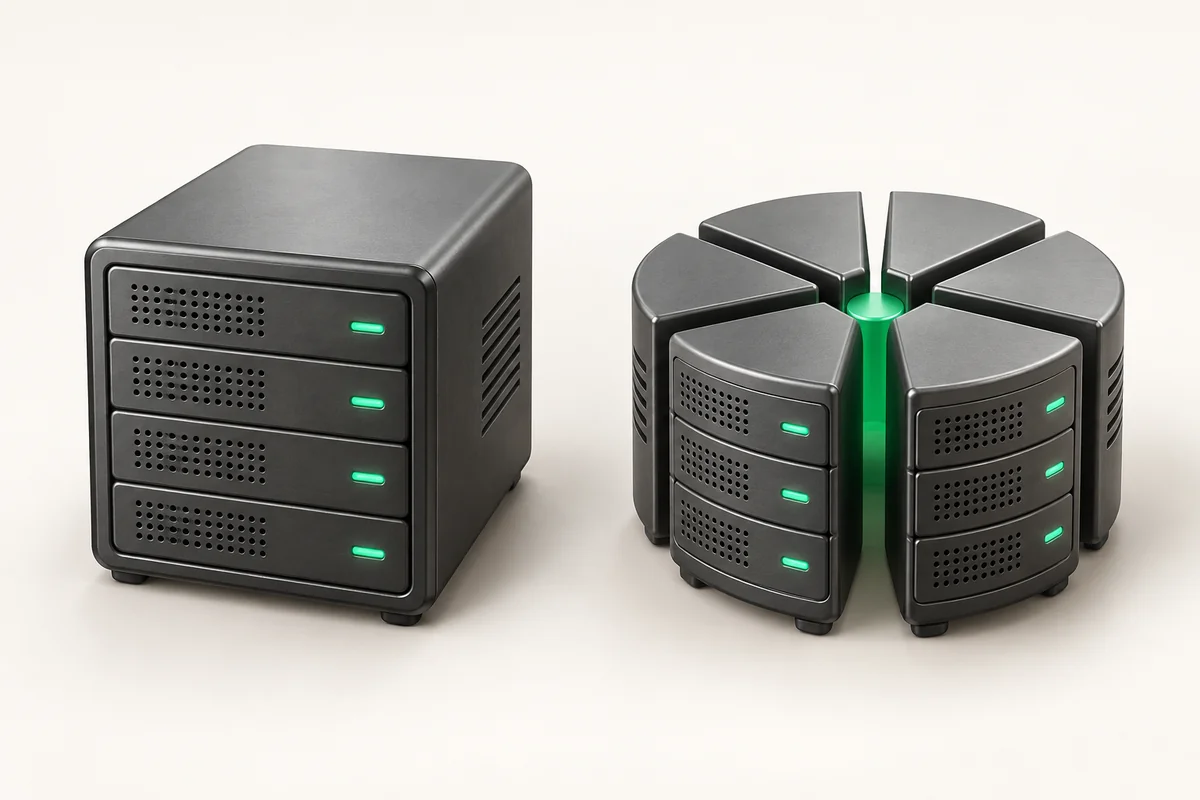
What a dedicated server is and when you need one
A dedicated server is a physical machine in a data center that you rent in full. The CPU, the memory, the drives and the network port are not shared with anyone: no other tenants live on that hardware. You get root access, install any operating system, and decide yourself which services run on it.
- Resources are physical: cores are not sliced by a hypervisor, and disk IOPS are not shared with neighbours.
- Full Root Access on every ZevsHost plan — swap the kernel, load your own modules, run your own hypervisor.
- Locations: Germany (Dusseldorf), the USA and France (Strasbourg).
- Entry point is $49 per month: Dedicated Start DE with 16 GB DDR4 ECC and two SSDs in RAID1.
How a dedicated server differs from a virtual one
On a VPS your machine lives inside a hypervisor next to a dozen others. The host scheduler splits cycles across all of them, so when a neighbour starts a build or a backup, your core waits. That wait shows up in the st (steal time) column of vmstat.
On bare metal that column stays at zero: CPU time is fully yours, and so is the disk queue. In exchange you take over capacity planning and drive-wear tracking. The load-and-cost comparison lives in a separate breakdown of dedicated server versus VPS.
What a server is made of
Four subsystems decide how much load the machine carries. Looking only at clock speed is pointless: the bottleneck is more often storage.
| Subsystem | What it decides | What to check when choosing |
|---|---|---|
| CPU | Request processing, compilation, transcoding speed | Clock versus core count, generation, socket count |
| Memory | Working set size, database and filesystem cache | Capacity, ECC, number of populated channels |
| Storage | Write latency, read throughput, failure tolerance | Media type, RAID level, endurance headroom |
| Network | Bandwidth, traffic cap, attack filtering | Port speed, unmetered or quota, filtering level |
Covered separately: choosing a server processor and NVMe, SATA SSD or HDD.
When a dedicated server is genuinely the right call
The move pays off when a specific subsystem is saturated. Typical triggers:
- The database outgrew memory. The hot data set passes 20–30 GB and the InnoDB or PostgreSQL cache no longer fits in RAM.
- Flat, high CPU load. Average utilisation stays above 60–70% around the clock, which costs more on a VPS for the same result.
- Your own virtualisation. You need nested KVM, Proxmox or ESXi, which is either forbidden or slow on someone else's hypervisor.
- Per-socket licensing. The license price follows the physical CPU.
- Heavy write workloads. Message queues, event logs, video archives.
ZevsHost configurations
The range opens with Dedicated Start DE at $49: Xeon E3-1230v5, 16 GB DDR4 ECC, two 500 GB SSDs in RAID1, and a 100 Mbps unmetered port. The same class in France runs on a Xeon E3-1270v6 at $55 with a 500 Mbps port; in the USA it is $59 with a gigabit uplink and a 30 TB quota.
The Pro tier in all three countries is built on the Xeon E5-2680v4 with 32 GB ECC and two 1 TB NVMe drives in RAID1: $99 in Germany, $95 in France, $89 in the USA. The top configuration, Dedicated Enterprise US at $149, carries two E5-2680v4 CPUs, 64 GB ECC and four NVMe drives in RAID10.
Every configuration ships DDR4 with error correction; why that is not a formality is explained in the piece on ECC memory in a server. DE and US nodes sit behind L3/L4 filtering, with L7 added on Pro and above; France runs Anti-DDoS Arbor. KVM/IPMI access is included with Enterprise US and costs $5 per month elsewhere. The full configuration list is on the dedicated server hosting page.
How to confirm the VPS no longer keeps up
Capture three metrics on the current machine under real load, not at 3 a.m.
# The st column is time stolen by the hypervisor; bare metal never shows it
vmstat 1 5

# Disk wait share: %iowait above 15-20 means storage is the bottleneck
iostat -x 1 3

# Snapshot the load into a file to compare after the migration
top -b -n 1 > /root/load-$(date +%F).txt 2>&1
A steady st above 5 means you pay for cycles you never receive. High %iowait with low CPU points at storage.
RAID1 is not a backup. A mirror survives the death of one drive, but a dropped table or files encrypted by ransomware get copied to the second disk in milliseconds. A dedicated server has no hypervisor snapshots to fall back on the way a VPS does: the recovery plan is entirely yours.
The check is simple: once a month restore a fresh dump on a test machine and confirm the application starts. ZevsHost external storage backup costs $10 per month and keeps the copy off the server: a copy on the same array dies with it.
What you take on together with the hardware
The provider covers power, network and replacement of failed components. Everything above the OS is yours: kernel updates, firewall rules, drive wear monitoring, reacting to a degraded array. If you have no team for that, managed administration costs $30 per month, and the full handover checklist is in accepting a new dedicated server.
Key takeaways
- A dedicated server is one whole physical machine: no steal time, no neighbours in your disk queue.
- Move when a specific subsystem is saturated: memory for the database, flat CPU above 60–70%, your own virtualisation, or heavy writes.
- ZevsHost starts at $49 per month in Germany; ECC memory and RAID1 are present in every configuration.
- Root access means you own the OS, updates and backups: a mirror is not a copy.