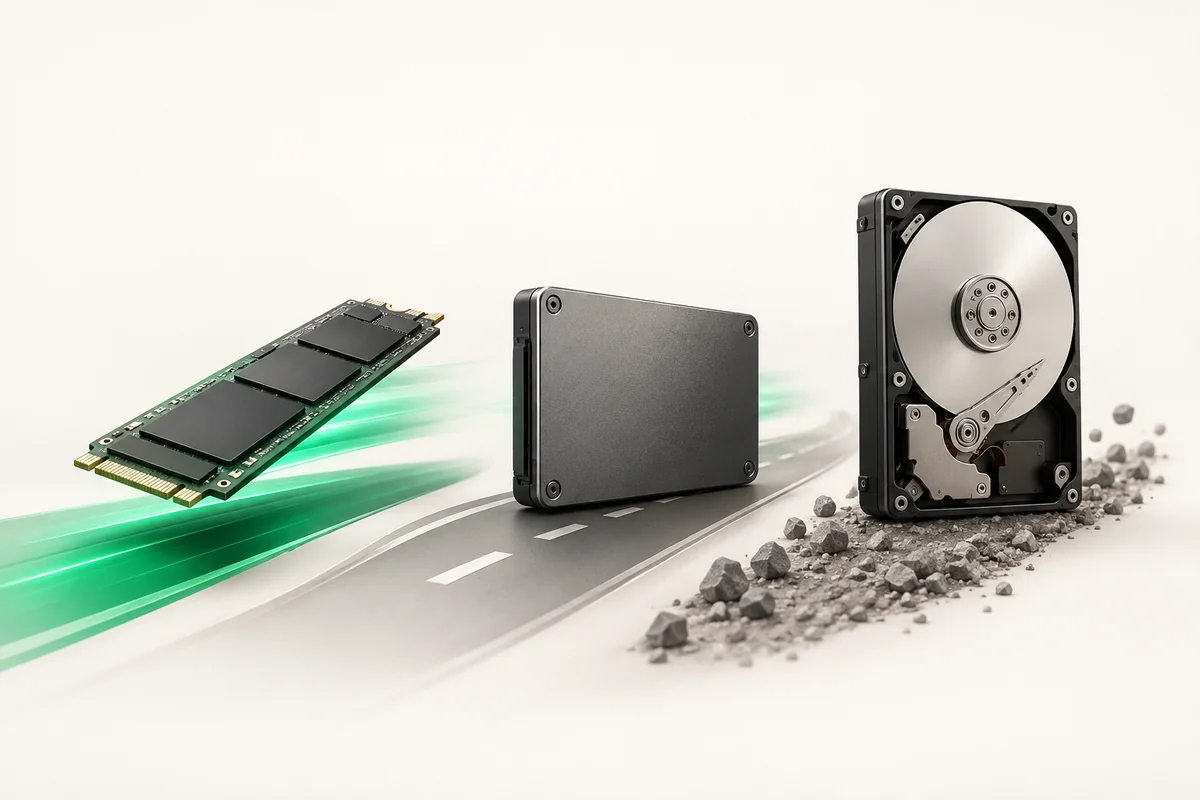
NVMe, SATA SSD or HDD: picking drives for a server
For a database and any workload with small random writes, take NVMe: latency lands near 0.1 ms against 0.5 ms on a SATA SSD and 8–12 ms on a mechanical drive. A SATA SSD is still a sensible choice for web files and the system partition. HDD only earns its place where you need capacity for archives and backups and speed is not critical.
- Random 4K writes: NVMe delivers hundreds of thousands of IOPS, SATA SSD tens of thousands, HDD about 150.
- The interface is not the whole story: NVMe has 64 thousand queues against one on SATA, which shows under parallel load.
- Write endurance is measured in DWPD: 0.3 DWPD suits the web, a busy database needs 1 DWPD or more.
- ZevsHost Pro and Enterprise plans ship NVMe, Start plans ship SATA SSD; an extra 1 TB HDD costs $15 per month.
- Always take drives in pairs or more: a single drive means downtime the day it fails.
How the media differ physically
An HDD finds data mechanically: the head assembly moves to the right track and the platter has to rotate into place. That produces latency in whole milliseconds and a hard ceiling near 150 random operations per second, a number that has not moved in decades.
An SSD reads cells electrically, so latency drops by two orders of magnitude. A SATA SSD, however, is locked into AHCI with a single command queue of 32 slots. NVMe runs over PCIe and supports up to 64 thousand queues, so its advantage shows less in sequential throughput and more under concurrent requests.
Comparison by the numbers
| Parameter | HDD 7200 | SATA SSD | NVMe |
|---|---|---|---|
| Random read latency | 8–12 ms | about 0.5 ms | about 0.1 ms |
| Random 4K operations | about 150 | tens of thousands | hundreds of thousands |
| Sequential read | 150–250 MB/s | 450–550 MB/s | 2–7 GB/s |
| Command queues | 1 queue, 32 commands | 1 queue, 32 commands | up to 64 thousand queues |
| Cost per terabyte | Lowest | Medium | High |
| Typical use | Archives, backups, video storage | System, web files, mail | Databases, queues, logs, hypervisor |
What to pick for the workload
- MySQL or PostgreSQL under load. NVMe only: every transaction ends in an fsync, and fsync is bound by media latency. Details in the guide to a dedicated server for a database.
- A web server with many small files. A SATA SSD copes as long as the working set stays cached in memory.
- A hypervisor with a dozen VMs. NVMe: guests generate an interleaved random stream where HDD stops making sense.
- Backups and a media archive. HDD: sequential writes of large files, and cost per terabyte decides.
- Logs and message queues. NVMe with endurance headroom: this is a constant stream of small operations.
Write endurance: DWPD and TBW
An SSD wears out from writing. The manufacturer quotes TBW (total bytes written over the service life) or DWPD (how many times a day you may overwrite the full drive capacity during the warranty period).
A web project is fine with 0.3 DWPD. A write-heavy database, a message queue or a monitoring node needs 1 DWPD or more, otherwise the drive burns through its endurance in a year or so. Current wear is visible in SMART attributes and covered in SMART diagnostics for server drives.
How to check the drives on your own server
First see what is physically installed, then measure under a load profile close to your own.
# Device list: ROTA=1 marks a mechanical drive
lsblk -d -o NAME,ROTA,SIZE,MODEL

# For NVMe: model, firmware, capacity
nvme list

# Drive wear and health
smartctl -a /dev/nvme0n1 | grep -E 'Percentage Used|Data Units Written|Media'

# Random 4K writes at queue depth 32 - the database profile
fio --name=db --rw=randwrite --bs=4k --iodepth=32 --numjobs=4 \
    --size=4G --runtime=120 --time_based --direct=1 \
    --filename=/var/tmp/fio.tst > /root/fio-randwrite.log 2>&1
Read more than the IOPS figure: latency percentiles matter more, because p99 is what users actually feel as a stall. The full measurement method is in the guide to benchmarking a dedicated server.
Never point --filename=/dev/sda or /dev/nvme0n1 at a production machine. fio writes straight to the block device and destroys the partition table together with the filesystem. Only a backup brings that back, and RAID will not save you: the mirror faithfully copies the destruction to the second drive.
Test against a file inside a mounted filesystem, as in the example above, and delete it afterwards. Before launching, confirm the path with lsblk and make sure --filename points at a regular file rather than a device.
Drives in ZevsHost configurations
Start plans are built on two 500 GB SATA SSDs in RAID1: $49 per month in Germany, $55 in France, $59 in the USA. The Pro tier carries two 1 TB NVMe drives in RAID1 at $99, $95 and $89 respectively. Dedicated Enterprise US at $149 uses four 1 TB NVMe drives in RAID10, which gives both redundancy and double the bandwidth.
An extra 1 TB HDD is available for $15 per month and belongs under local copies and media rather than under a database. Keeping backups off the server costs $10 per month. Choosing the array level is covered separately in RAID 0, 1, 5 and 10. Current configurations are listed on the dedicated server hosting page.
Key takeaways
- Random workloads need NVMe: the gap to SATA SSD is a multiple, the gap to HDD is orders of magnitude.
- HDD still earns its place for archives and backups, where cost per terabyte rules.
- Plan write endurance: 1 DWPD and up for a database, 0.3 DWPD is enough for the web.
- Measure latency percentiles, not just average IOPS.
- Never run fio against a raw block device on a machine that holds data.