Backing up a dedicated server
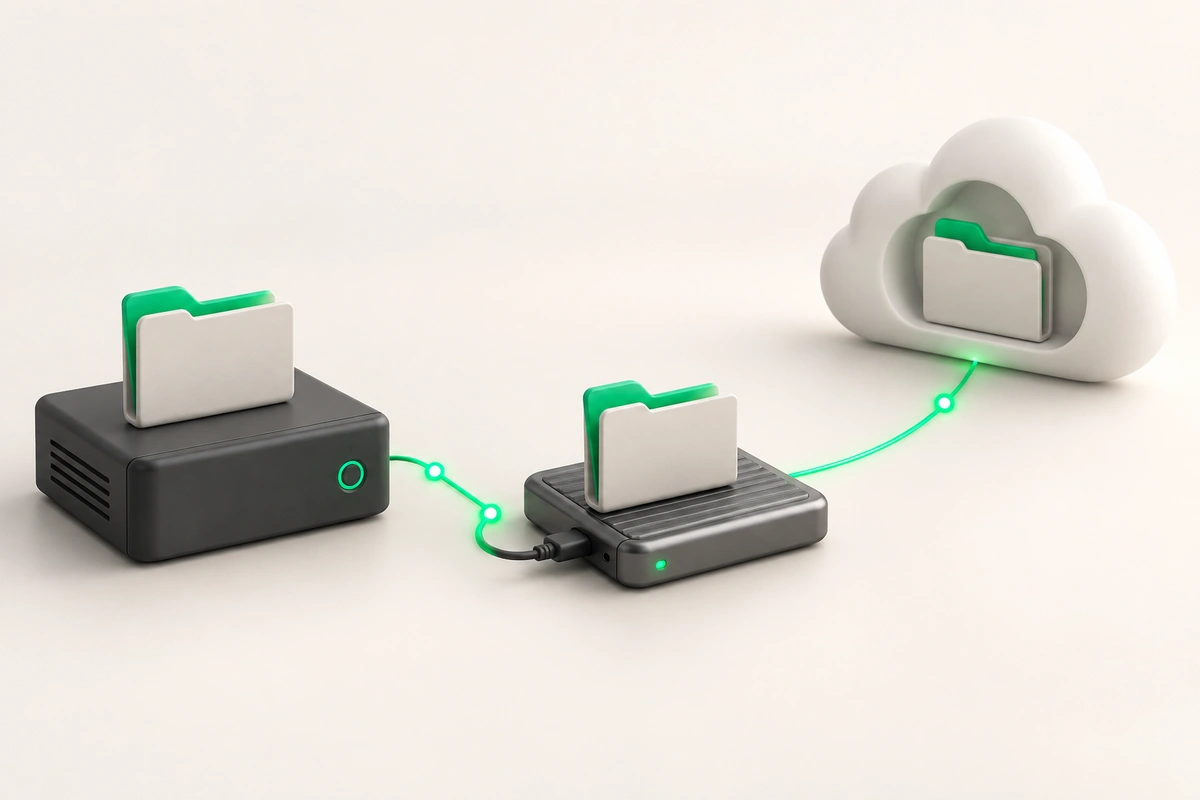
A working scheme looks like this: a daily file increment and a database dump into external storage, a weekly full copy and a monthly restore test on a separate machine. RAID is not a backup: a mirror faithfully repeats an accidental deletion and a ransomware run on both disks at once.
- The 3-2-1 rule: three copies of the data, two different media, one copy outside the server.
- A copy you have never restored from is not a copy — a monthly test is mandatory.
- Databases are copied with a dump or a filesystem snapshot, never by copying the data directory of a running engine.
- The account the server writes with must not be allowed to delete old copies, or ransomware wipes those too.
- The backup-to-external-storage option costs $10 per month and satisfies the off-server copy requirement.
What to copy and how often
| Data | Frequency | Method | Retention |
|---|---|---|---|
| Databases | Daily, busy ones hourly | Dump plus binary log | 14 daily, 8 weekly |
| Project files and uploads | Daily | restic or borg, incremental | 14 daily, 12 monthly |
| System configuration | Daily | The whole /etc directory | 30 days |
| Mail and queues | Daily | rsync with hard links | 7 days |
| Virtual machines | Weekly | Snapshot or image export | 4 copies |
| Logs and caches | Do not copy | Exclusion list | — |
Caches, temporary directories and the contents of /var/log inflate the copy several times over and are almost never needed during a restore. Put them in the exclusion list from day one.
Tools
For files take restic or borg: both give deduplication, client-side encryption and incremental snapshots without re-reading all the data. For databases, use the native dump tools. To push copies into cloud storage you will want rclone, and the choice of the storage itself is covered in comparing S3-compatible storage.
# restic: a repository in S3-compatible storage
export RESTIC_REPOSITORY='s3:https://s3.example.net/backup-srv1'
export RESTIC_PASSWORD_FILE=/root/.restic-pass
restic init

# daily increment of files and configuration
restic backup /etc /var/www /home --exclude-file=/root/backup.exclude

# dump the database straight into the stream, no temporary file on disk
mysqldump --single-transaction --quick --all-databases \
  | restic backup --stdin --stdin-filename all-databases.sql

# retention and cleanup
restic forget --keep-daily 14 --keep-weekly 8 --keep-monthly 12 --prune

# integrity check that also reads part of the data
restic check --read-data-subset=5%
# write the exclusion list with a heredoc so patterns survive
cat > /root/backup.exclude << 'EOF'
/var/www/*/cache
/var/www/*/var/tmp
/var/log/journal
*.tmp
EOF

# borg: an archive with compression and statistics
borg create --stats --compression zstd,3 \
  /mnt/backup::srv1-{now:%Y-%m-%d} /etc /var/www

# verify archives and list their contents
borg check --verify-data /mnt/backup
borg list /mnt/backup

# restore a single database from a dump
mysql shop < /root/restore/shop.sql
Where to keep the copies
A copy on the same array only saves you from operator error: fire, theft or a dead controller destroy the data and the copy together. The minimum acceptable scheme is a local copy for fast rollback plus a second site. An extra 1 TB HDD at $15 per month works well as a local buffer, and the backup-to-external-storage option at $10 per month covers moving copies off the server.
If the machine runs a hypervisor, the backup scheme is usually built at the virtual machine level — how that works is described in Proxmox Backup Server. A single drive failure remains a separate procedure, covered in replacing a disk in a RAID array.
Testing the restore
Define two numbers and keep them in your documentation: RPO, how much data you can afford to lose, and RTO, how fast you must be back up. Backup frequency and restore method follow from them. After that, run the whole exercise once a month:
# restore into a separate directory without touching production data
restic restore latest --target /srv/restore-test --include /var/www

# compare with production files, show only the differences
diff -rq /var/www /srv/restore-test/var/www | head -n 20

# restore the database into a separate schema and count rows
mysql -e 'CREATE DATABASE shop_test;'
mysql shop_test < /root/restore/shop.sql
mysql -N -e 'SELECT COUNT(*) FROM shop_test.orders;' 2>&1
The most common cause of data loss is not a failed drive but a copy that a compromised server was allowed to delete. Ransomware logs in with the stored key, wipes the snapshots in storage and leaves only encrypted files behind. The fix is an append-only mode on the backup account, a separate access key, and a second copy the server cannot see at all. The other classic mistake is a cron job that fails silently: if its output goes to /dev/null, you learn that backups broke on the day of the incident. The check: monitor the age of the latest copy separately and treat the job as broken when no fresh snapshot has appeared for more than 26 hours.
Key takeaways
- RAID is not a backup: it covers a drive failure, not deletion or encryption.
- Keep three copies on two media, one of them outside the server.
- Back up files incrementally with restic or borg, and databases with dumps plus retention.
- Do not give the backup account permission to delete old snapshots.
- Restore a copy once a month and compare row and file counts.
Configurations with room for a local backup buffer and with the external storage option are listed under dedicated servers.