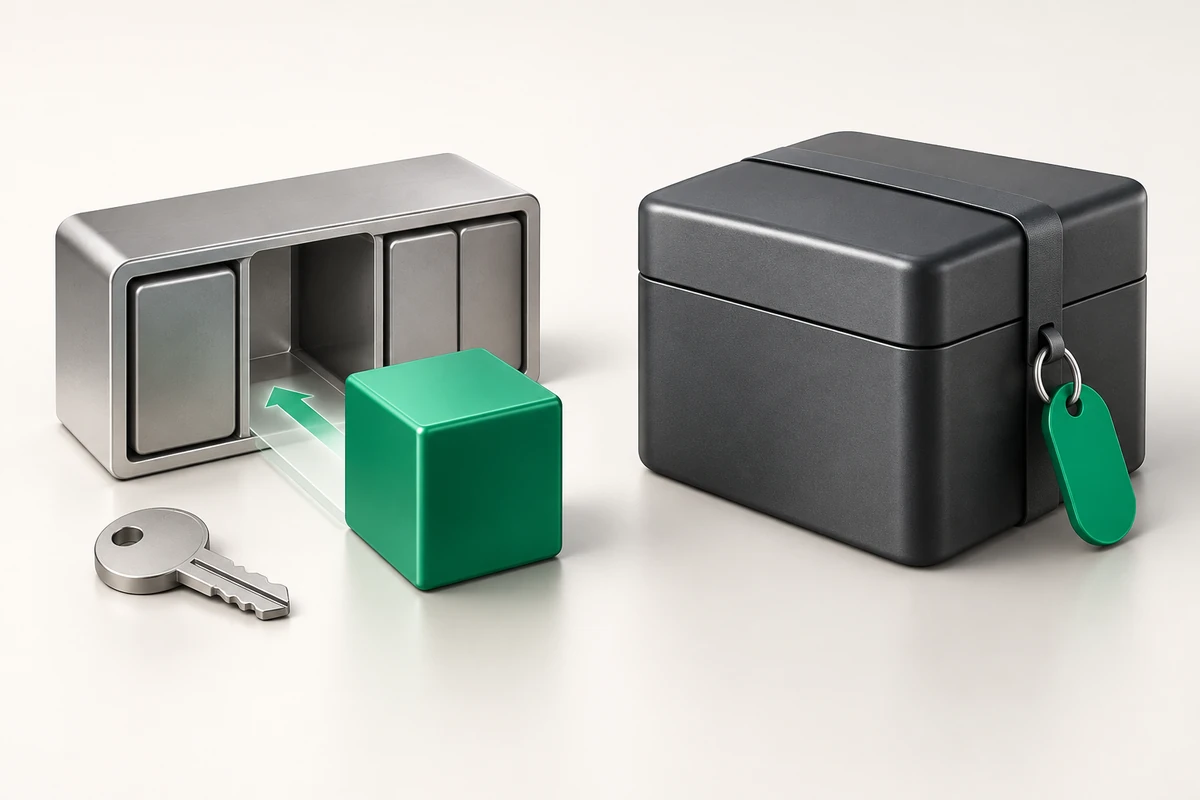
Colocation or renting a server: which pays off
Colocation pays off when the hardware is already bought, will run 4–5 years without replacement, and an engineer nearby can drive to the data centre. Renting pays off when you care more about how fast a failed component is replaced and about a flat payment with no capital spending. ZevsHost does not offer colocation — we rent out ready servers in Germany, the USA and France; below is a fair comparison of both models so you can choose deliberately.
- Colocation is renting rack space with power and uplink; the hardware is yours and so is the responsibility for it.
- Renting moves hardware failure risk to the provider: a disk, memory module or power supply is replaced by the site staff.
- The break-even point for colocation is roughly three years of continuous service from the same configuration.
- The main hidden cost of colocation is logistics: delivery, customs, trips to the site, a stock of spare parts.
What colocation is
You buy a server, ship it to a data centre and pay for a rack unit, for the power it draws and for a switch port. The hardware stays your property and sits on your balance sheet. The data centre is responsible for power, cooling and connectivity, and everything inside the chassis is your responsibility.
Remote hands are normally billed separately and by the hour: insert a disk, press a button, attach a monitor. What exactly you rent in the opposite model is covered in what a dedicated server is.
Side-by-side comparison
| Criterion | Colocation | Renting a server |
|---|---|---|
| Upfront cost | Full hardware price immediately | The first monthly payment |
| Ownership | The server is yours and moves with you | The server belongs to the provider |
| Disk failure | Your spare, your trip or paid remote hands | Replaced by the site staff |
| Upgrade | Purchase plus physical installation | Move to a higher plan |
| Changing country | Shipping hardware, downtime and logistics | A new server in another location |
| Payment shape | Capital spending plus rack space | Operating cost, a single line |
| Leaving the project | Sell or ship the hardware out | Cancel the service |
The money over a three-year horizon
Do the maths over the life of the configuration, not over one month. A dual-socket Xeon machine with 64 GB ECC and four NVMe drives costs real money to buy, and on top of that come rack space, electricity and uplink — a monthly bill comparable to half the rental price of an equivalent. Renting that same configuration as Dedicated Enterprise US costs $149 per month, or $5,364 over three years, and that figure already includes replacement of failed components and KVM/IPMI access.
Colocation starts winning when hardware serves longer than three years and needs no upgrade. It loses where load grows in jumps: a purchased server cannot be widened with one click, and selling a used configuration for half its price does not always work out. The rental price broken down line by line is in what makes up the cost of a dedicated server.
What breaks and who fixes it
Over three years of running a typical machine you will almost certainly hit a drive failure, and less often a power supply or a memory module. Under a rental that is a support ticket. Under colocation it is your spares shelf, your vendor warranty and your logistics. Before the machine goes into the rack, take a full inventory so you are not reading serial numbers off photographs later:
# inventory before installation
sudo dmidecode -t system -t baseboard | grep -E 'Manufacturer|Product|Serial'

# drive hours and health
sudo smartctl -a /dev/sda | grep -E 'Power_On_Hours|Reallocated|Device Model'

# remaining NVMe endurance
sudo smartctl -A /dev/nvme0 | grep -i percentage

# full inventory into a file, errors included
sudo lshw -short > inventory.txt 2>&1

# power and temperature sensors over IPMI
sudo ipmitool sdr type temperature
With colocation, downtime is measured by the drive to the data centre, not in minutes. A server with a dead system disk, no spare on site and no working out-of-band management is an offline machine for as long as the trip takes — and if the site is in another country, for as long as the business trip takes. The minimum set that covers this: working IPMI on its own address, a second drive in a mirror, a spare disk on the site's shelf and a remote-hands agreement. The readiness check is simple: disconnect the server from the network at the operating system level and confirm you still see the console and can reinstall the OS.
Which model to pick
Colocation makes sense when
- You already own hardware, or need a non-standard build that no rental line offers.
- Load is predictable and does not jump, and the configuration will serve three years or more.
- You have an engineer in the same city and a stock of spare parts.
Renting makes sense when
- The project grows and the configuration will change every year or two.
- You need a site in another country with no presence there — see the breakdown of choosing a server location.
- You need a fast start and ready options: extra IPv4 at $5, KVM/IPMI at $5, backup to external storage at $10 per month.
If the choice leans towards renting, look at the configurations under dedicated servers and always run the server acceptance checklist — it is equally useful for a rented and for an owned machine.
Key takeaways
- Colocation is your hardware in someone else's rack; renting is someone else's hardware with service included.
- Owning a server starts to break even at roughly three years of steady load.
- A failed component is the site's problem under a rental and your shelf plus your trip under colocation.
- ZevsHost does not provide colocation: server rental is available in Germany, the USA and France.