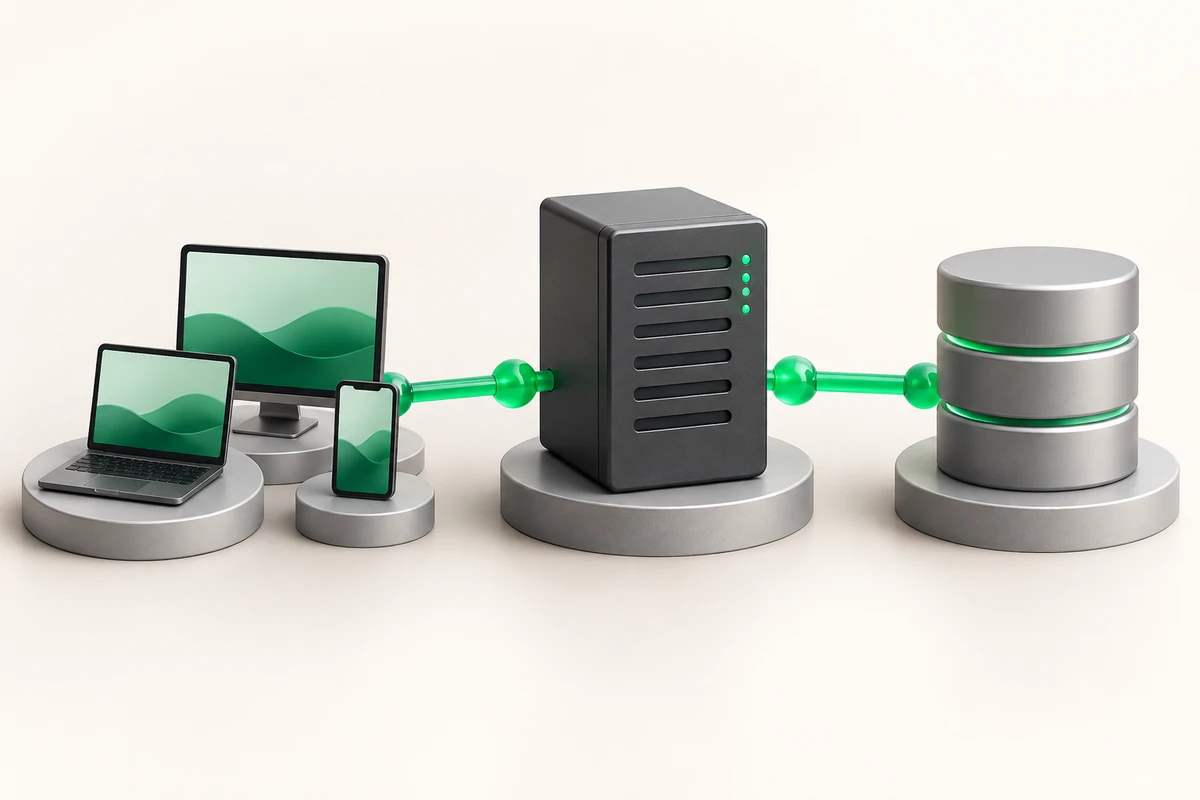
Server for 1C: hardware requirements
1C is limited by single-core clock speed and disk latency, not by thread count. For a production database serving 20–30 concurrent sessions, take 4–8 cores at 3.2 GHz or higher, 32 GB of ECC memory and two NVMe drives in RAID1. Memory and disks are easy to add later, clock speed is not, so start the configuration with the CPU.
- Core frequency matters more than core count: a single user request in 1C runs in one thread.
- Application server and database engine on the same machine remove a network round-trip and speed up document posting.
- 32 GB ECC is the practical minimum for a client-server database, 64 GB for a database over 100 GB or over 50 sessions.
- File mode on a shared network folder causes almost every complaint about slow work; switching to client-server mode usually helps more than a hardware upgrade.
Processor
The platform spreads different sessions across cores, but inside one session document posting or totals recalculation runs in a single thread. Hence the rule: 8 cores at 3.5 GHz serve an accounting database better than 24 cores at 2.1 GHz. Look at the base clock and the all-core turbo clock under load, not at the marketing "up to" figure.
L3 cache matters too: accumulation registers and totals tables are read in small portions. A breakdown of CPU lines and generations is in how to choose a server processor.
| Scenario | Sessions | CPU | RAM | Disks |
|---|---|---|---|---|
| Accounting for one company | up to 10 | 4 cores from 3.3 GHz | 16 GB ECC | 2×SSD, RAID1 |
| Retail and warehouse | 10–30 | 8 cores from 3.2 GHz | 32 GB ECC | 2×NVMe, RAID1 |
| ERP, several databases | 30–80 | 16 cores from 2.8 GHz | 64 GB ECC | 4×NVMe, RAID10 |
| Database engine on its own host | 80 and more | two servers | 64 GB each | NVMe RAID10 for the database |
Memory
MS SQL and PostgreSQL keep database pages in cache, and the difference between "the database fits in memory" and "it does not" is an order of magnitude in report time. Practical rule: RAM at least half the size of the database files plus 8 GB for the application server and the operating system.
Memory must be ECC. A single-bit error in the database cache is a silently corrupted page that travels into the backup and surfaces weeks later. How correction works and where to read error counters is covered in ECC memory in a server.
Disks
The 1C load profile is small random I/O: the transaction log is written synchronously and indexes are read in 8 KB pages. On NVMe such operations run 4–6 times faster in random-write IOPS than on SATA SSD, and two orders of magnitude faster than on a mechanical hard drive.
A working layout: the system and the application server on one mirror, database files and the transaction log on NVMe. RAID1 covers a drive failure, RAID10 adds write headroom on large databases. Details of database file layout are covered in dedicated server for a database.
Windows Server or Linux
Windows Server and MS SQL
The familiar stack: application server, SQL Server and user terminal sessions on one machine. The minus is that the operating system licence, client access licences and SQL Server are counted separately and often cost more than renting the hardware itself.
Linux and PostgreSQL
The Linux application server works with PostgreSQL, including builds adapted for the platform. There are no OS and database licences here, but you need an administrator who understands autovacuum, locking and the query planner. Basic installation and tuning are covered in PostgreSQL on a server.
# Debian/Ubuntu: check the real core frequency under load
lscpu | grep -E 'Model name|MHz'

# RHEL/AlmaLinux: install the application server from a local directory
sudo dnf install -y ./1c-enterprise-server-*.rpm

# key PostgreSQL parameters (postgresql.conf)
shared_buffers = 8GB
effective_cache_size = 24GB
work_mem = 64MB
max_connections = 200
# parallel plans usually hurt on the platform's typical queries
max_parallel_workers_per_gather = 0

# apply and verify
sudo systemctl restart postgresql
psql -U postgres -c 'show shared_buffers;' 2>&1

# restore a dump into a clean database
createdb -U postgres -T template0 buh
psql -U postgres -d buh < buh.sql
The most expensive mistake on such a server is an antivirus that scans database files and the transaction log in real time. Document posting starts taking seconds instead of fractions of a second, and lock wait timeouts appear in the database log. Exclude the database data directories, the application server service directory and temporary files from scanning. How to confirm it helped: measure the same standard operation before and after editing the exclusions — the time must drop by a multiple, not by a few percent. The second source of identical symptoms is a disabled RAID controller write cache caused by a depleted battery.
Access, network and backups
Users connect with the thin client, over RDP or through a web client behind nginx. Do not publish terminal access to the Internet on the default port: set up a VPN or at least restrict connections to a list of addresses.
Plan exports separately: the database file and the dump must leave the server, because RAID does not protect against accidental deletion. Ready configurations for such workloads are listed under dedicated servers: accounting with up to 10 sessions fits Dedicated Start DE (Xeon E3-1230v5, 16 GB ECC, 2×500 GB SSD in RAID1) at $49 per month, while retail and warehouse setups take Dedicated Pro DE or Pro FR with 32 GB ECC and NVMe.
Key takeaways
- Core frequency first, core count second: 8×3.5 GHz beats 24×2.1 GHz.
- RAM equals half the database size plus 8 GB, ECC only.
- Database and transaction log live on NVMe in RAID1 or RAID10.
- Windows with MS SQL costs more in licences, Linux with PostgreSQL costs more in administration.
- Check antivirus exclusions and controller write cache before you replace hardware.